I got the touch screen working and well calibrated. This was sticking in my mind for a minute. I moved on, but I knew eventually I needed to address why it wasn’t working. It turns out there were some GPIO connections that were not made. I had intentionally only made connections between the display and the Pi that Adafruit tutorial stated were necessary. I decided to make connections for the all GPIO pins and see it it would solve the issue. Half way through the connections, the touchscreen was working. I am unsure which connection I missed, but from now on, I advise anyone to just use the entire GPIO. You can always place any I2C devices in parallel, especially since the resistive PiTFT doesn’t use the I2C pins.
I found a great library to register the touch events, here:
https://github.com/pigamedrv/pitft_touchscreen
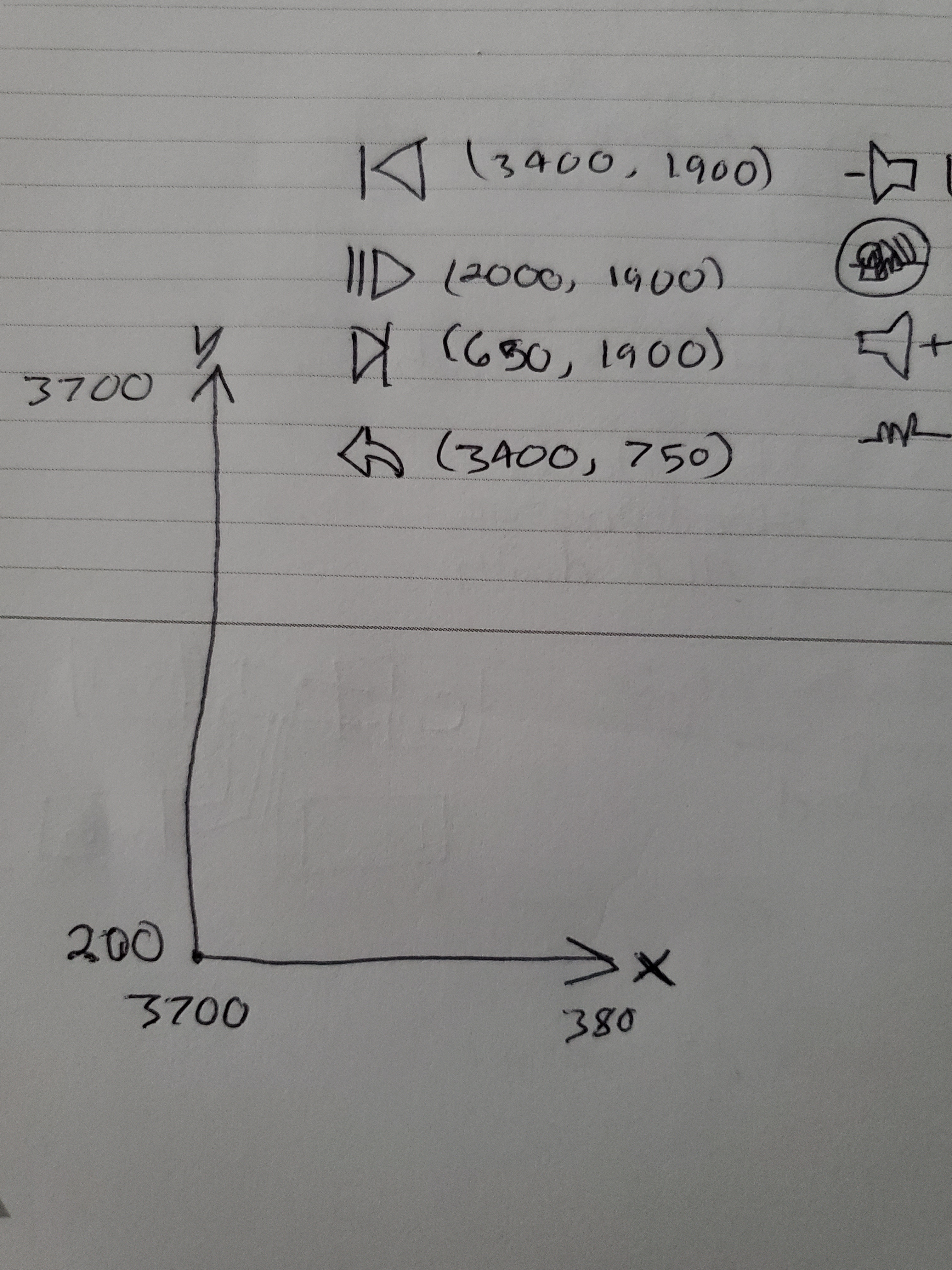
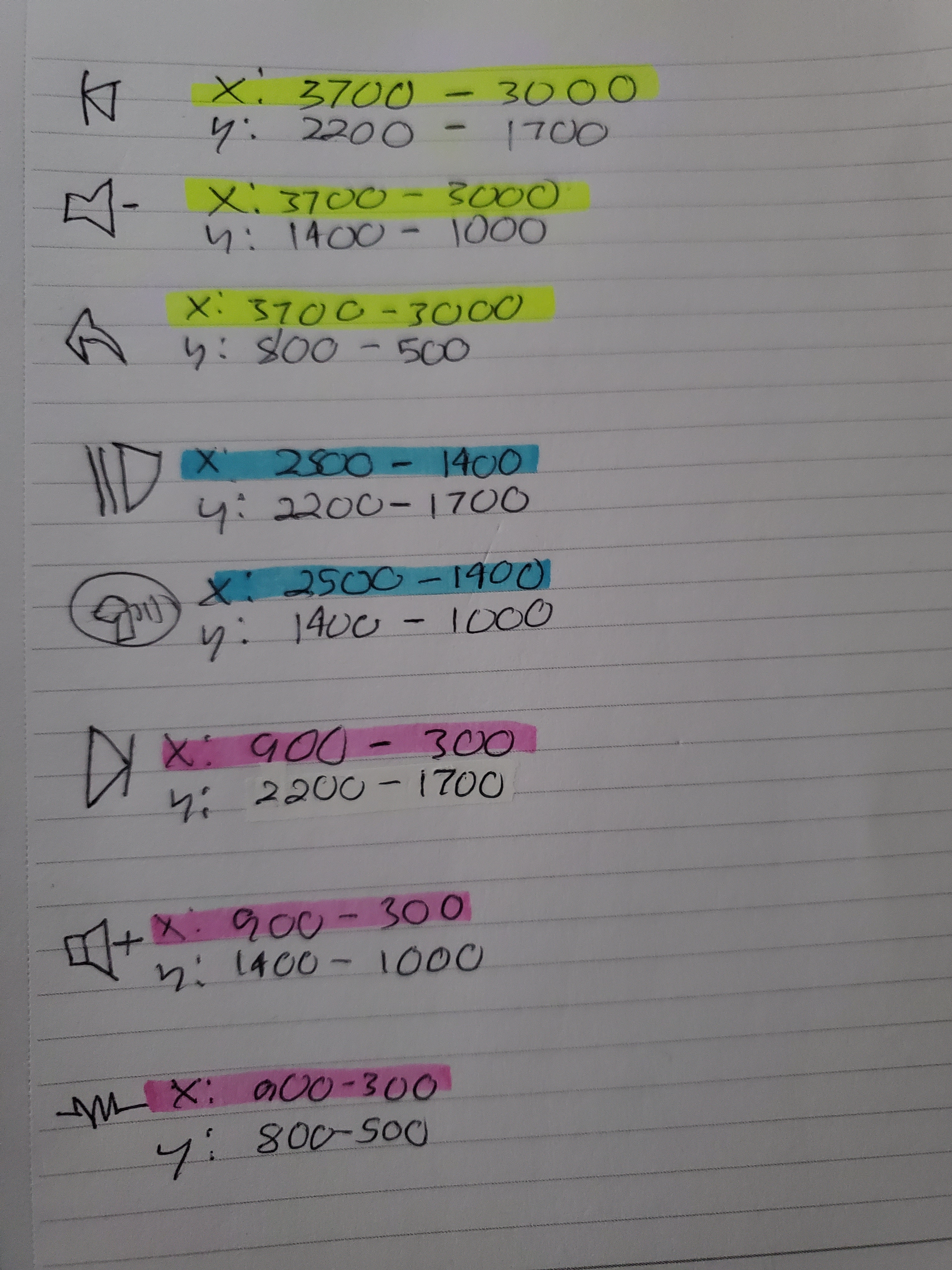
Once I had the icons where I wanted them on the display, I had to trace out where the touch boundaries would be for each button. A bunch of pressing around an icon and writing down the printed x and y values. They were not the same screen boundaries as the display, 240 by 320. It was more like 3700 by 3700. Either way i got it to work. There is probably an easier way, but I love the grunt work. If a touch event is registered within the x and y ranges I specified for each icon, the corresponding command will be sent, either to the Android app, or within the wearable.
Project python repository:
https://github.com/booman171/Wearable1
Test Video:
 Booman's Workshop